Xenoblade Chronicles 2 Interactive tools for Drivers
Track Rare Blades, memorize combo stages, and plan affinity grinding without leaving your playthrough.
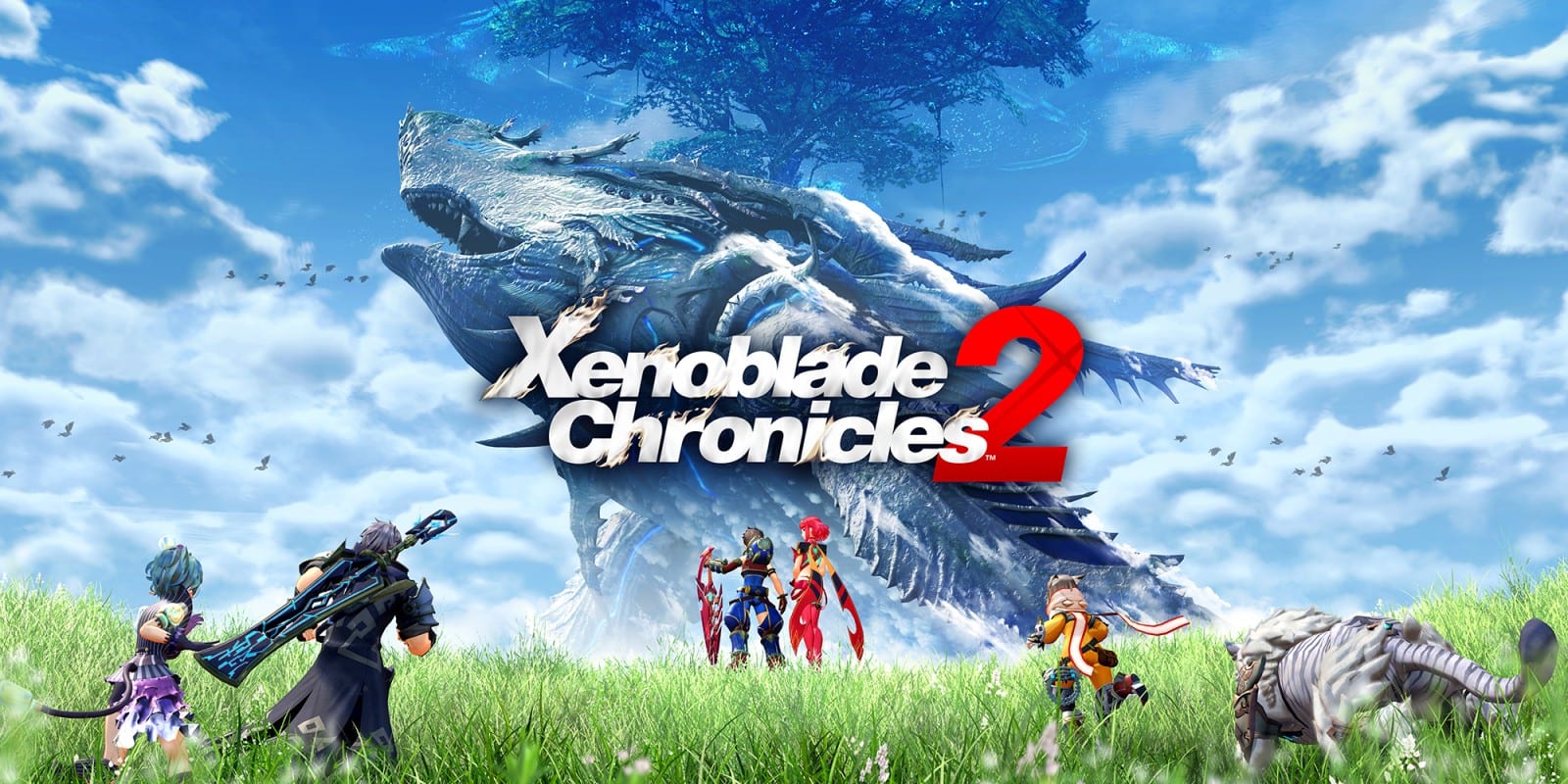
Xenoblade Chronicles 2 asks you to juggle dozens of Rare Blades, three active Drivers, pouch gifts, and real-time battle chains that punish hesitation. Spreadsheet tracking works, but it breaks immersion when you are mid-chapter on Gormott or grinding Merc missions in Mor Ardain. This tools hub collects lightweight browser utilities that save progress locally, load instantly on mobile, and complement the deeper written guides elsewhere on the wiki.
Each tool below solves a specific friction point players hit between Chapter 3 and the endgame. You do not need an account, and nothing you tick or calculate is sent to a server. That makes these pages safe to bookmark on a Switch browser session or keep open on a phone while farming Core Crystals in Leftheria.
Rare Blade checklist
The Rare Blade checklist tracks roughly twenty notable Blades many completionists chase after the main story Blades join your party. KOS-MOS, Sheba, Zenobia, and Perceval sit at different odds pools, and it is easy to forget whether you already pulled Ursula or Nim during a long crystal-opening binge in Torigoth. The checklist stores checked states in localStorage so you can resume on the same device after a break.
Use the checklist alongside our Blades hub when you are deciding which Common Core Crystal luck modifiers to equip. Mark story-critical Blades separately in your head — Pyra, Mythra, Brighid, and Pandoria arrive through narrative milestones and should not clutter your hunt list. The tool focuses on optional Rare Blades whose quests unlock shop discounts, field abilities, or powerful Blade Specials for super-boss attempts.
Driver Combo cheatsheet
Driver Combos are the fastest way to control elite enemies and set up Fusion Combos. The combo cheatsheet lays out the Break, Topple, Launch, and Smash sequence with plain-language reminders of what each stage enables. Below that reference table you will find element opposite pairs that matter when you attach orbs during long fights against Jin, Malos, or Torna.
New players often confuse Driver Combos with Blade Combos or Chain Attacks. Driver Combos happen during normal battle flow when party members land the correct Driver Arts in order. Chain Attacks consume the full party gauge after you build enough element orbs. Keep the cheatsheet open while rehearsing on Sauros in Gormott until the rhythm feels automatic, then graduate to the Controls guide for advanced canceling and aggro management.
Trust grinding planner
Affinity ranks from C through S+ gate some of the strongest Blade passive bonuses and unlock deeper Special move tiers. Grinding trust by spamming pouch items without a plan wastes expensive desserts you could save for Blade quest prerequisites. The trust planner estimates how many in-game days of pouch gifts you need between ranks, accounting for a simple affinity bonus percentage field you can raise with certain accessories or Poppi’s skills.
Pair the planner with Merc missions and Heart-to-Heart events listed in our Guides hub. Pouch spam alone is never the fastest route — completing Affinity Chart nodes often jumps multiple ranks instantly. Still, when you are one rank away from unlocking a Blade Special IV slot before a boss wall, knowing whether you need three days or twelve saves real time.
When to use these tools in your run
Early game players benefit most from the combo cheatsheet while Rex still has limited Driver Arts. Mid-game collectors should lean on the Rare Blade checklist once Mor Ardain opens bulk Core Crystal farming routes. Endgame optimizers use the trust planner when min-maxing Ursula’s healing output or Zenobia’s damage against Machine enemies in Temperantia.
If you are playing the Switch 2 Edition, these pages work the same in docked 4K or handheld mode. Merc Assault and faster battle pacing mean you will execute more combos per hour — another reason to keep the reference visible until muscle memory kicks in.
Related wiki sections
Tools supplement text guides; they do not replace them. For narrative pacing, visit the Walkthrough. For accessory math and Core Chip grids, see Builds. For honest impressions of the full package including soundtrack and exploration, read our Review. Cross-linking between tools and guides keeps your session focused whether you are a first-time Driver or returning for New Game Plus cleanup.
Frequently Asked Questions
Quick answers to the most common questions.
Do these tools require login or cloud sync?
No. The Rare Blade checklist saves to your browser localStorage on the device you use. Combo and trust tools calculate instantly without storing personal data.
Which tool should I open first as a new player?
Start with the Driver Combo cheatsheet until Break and Topple feel natural, then add the Rare Blade checklist once you begin opening Core Crystals in Chapter 3.
Will checklist progress transfer to another device?
Not automatically. localStorage is per browser. Export your mental notes or re-check Blades when switching from phone to PC.
Are trust planner numbers exact?
They are estimates based on average pouch trust values and your bonus percentage input. Heart-to-Hearts and quest nodes can accelerate ranks beyond the planner output.